
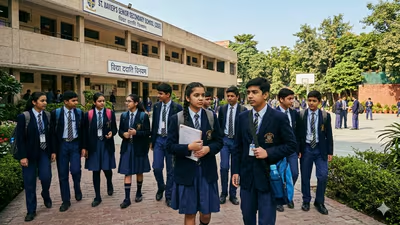
The Central Board of Secondary Education (CBSE) on Saturday declared the results of the Class 10 Second Board Examination 2026. Students who appeared for the examination can check and download their results through DigiLocker.
Requirements
Step 5: Enter the required details, including your CBSE roll number, school number, and admit card ID, if prompted.
Step by Step Guide
Students can follow these steps to access their digital marksheet:
Step 1: Visit the DigiLocker website or open the DigiLocker mobile app.
Step 2: Sign in using your registered mobile number or Aadhaar credentials. New users can create an account by completing the registration process.
Step 3: Go to the Issued Documents section and select Central Board of Secondary Education (CBSE).
Step 4: Choose Class 10 Marksheet/Passing Certificate 2026.
Step 6: Submit the details to view and download your digital marksheet. Students can also save it for future reference.
