
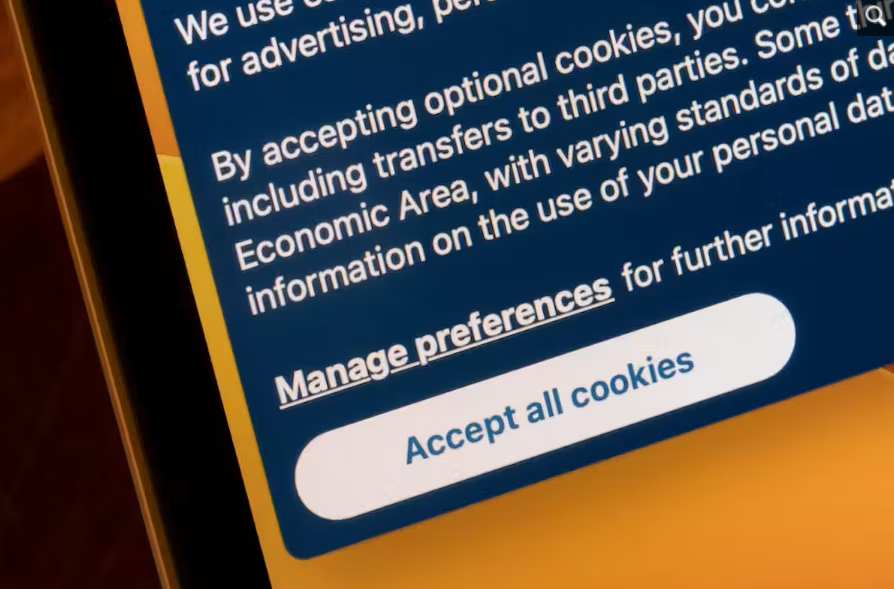
In today’s episode of Everyday Explained, we’re looking at something you’ve probably encountered countless times while browsing the internet: that little pop-up asking you to ‘Accept All Cookies’ or ‘Reject All. But what exactly are these cookies? Why do websites want you to accept them? And what happens if you choose to reject them? (Also read: Everyday explained: Why do your fingers wrinkle in water? )
Why are cookie pop-ups everywhere?
Cookies are small pieces of data that a website stores in your browser when you visit it. They allow websites to remember information about your visit, such as your preferences, login status, or items in your shopping cart. Not all cookies serve the same purpose. Some are essential for a website to function properly, while others can be used for analytics, personalisation and tracking. Cookies can also be first-party, meaning they are set by the website you are visiting, or third-party, when they are associated with a different domain. When you see a cookie consent pop-up, the website is essentially asking for permission to use certain types of cookies, particularly those that aren’t strictly necessary for the site to work. When you click ‘Accept All’, you may be allowing a website to use different categories of cookies. These can include analytics cookies, which help websites understand how visitors interact with a site, and tracking cookies that can be used to recognise browsing activity. Cookies can also make your online experience more convenient. For instance, they can remember your login status, language preference, shopping cart or other settings, so you don’t have to enter the same information every time you visit. However, accepting cookies does not mean a website suddenly gets access to everything on your computer. Choosing ‘Reject All’ generally prevents non-essential cookies from being stored on your device. Rejecting optional cookies can mean that some personalised features may not work as intended. However, essential functions of a website can continue to operate without many of the optional cookies. One major reason is privacy regulation. Rules in some jurisdictions require websites to explain what cookies they use and obtain consent before placing certain non-essential cookies on a user’s device. The idea is to give users more control over which types of cookies they allow. So, the next time a website asks you to accept its cookies, remember: it isn’t offering you a snack. It’s asking whether you want to allow certain types of data to be stored or used while you browse.
Because they are necessary for certain functions, such as authentication, security or keeping items in an online shopping basket, essential cookies may still be used.
Cookies are commonly used for session management, personalisation and tracking, according to MDN Web Docs . Cookies are pieces of data associated with websites and are stored and sent according to rules set by the browser and website. The European Commission , for example, says its analytics cookies can be refused while certain operational cookies remain necessary for the website to function. The UK’s Information Commissioner ’s Office says users should be told what cookies do and why they are being used, while consent for non-essential cookies should involve a clear positive action. It also says users should have an easy way to enable or disable non-essential cookies. This is why cookie banners often offer options such as “Accept All”, “Reject All” or “Manage Preferences”.
